Audio · 7 min read
Whole-Home Audio: Multi-Room Music, Sources & Zones Explained
How multi-room music actually works — zones, sources, networked vs. matrix systems, architectural speakers, and control — so you can play anything in any room.
Whole-home audio means being able to play music — the same song everywhere, or different songs in different rooms — from your phone, a streaming service, or a turntable, with simple control from anywhere. Getting there cleanly comes down to two concepts: zones and sources.
Zones and sources
A zone is an independently controlled area — the kitchen, the primary suite, the patio. Each zone can be on or off, at its own volume, playing its own thing. A source is something to listen to: a streaming service, a network library, a turntable, the TV. A whole-home system lets you route any source to any zone, and group zones together so a single track plays in sync across the house — no echo from room to room.
Two ways to build it
There are two architectures, and the right one depends on the home.
- Networked (streaming) audio — each zone has a small networked amplifier or powered speaker that streams over your WiFi/Ethernet. It's flexible, easy to expand one room at a time, and works beautifully with streaming services. This is the most common modern approach.
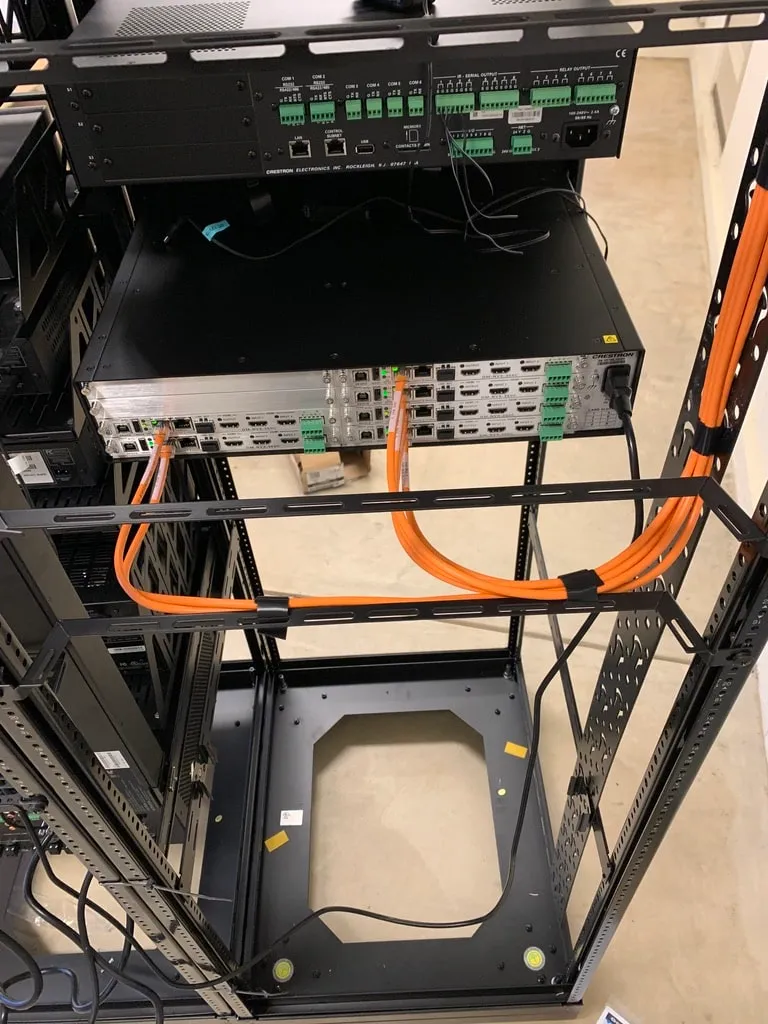
- Matrix (distributed) audio — a central rack holds the amplification and a matrix switcher; speaker wire runs from the rack to every room. It's robust, keeps all the gear in one serviceable location, and is ideal for new construction where you're wiring anyway.
Many homes blend the two: a central rack for the main zones plus networked endpoints for additions. What matters is that it's one coherent system with one app — not five disconnected speakers with five different remotes.
Speakers and wiring
Most whole-home audio uses architectural (in-ceiling or in-wall) speakers so each room looks clean. Bass-light rooms can add a discreet subwoofer; design-led rooms can use invisible speakers. The wiring backbone — speaker cable to each location, plus network drops for endpoints — is the part that's expensive to add later, so it's worth planning even if you phase the equipment over time.
Control
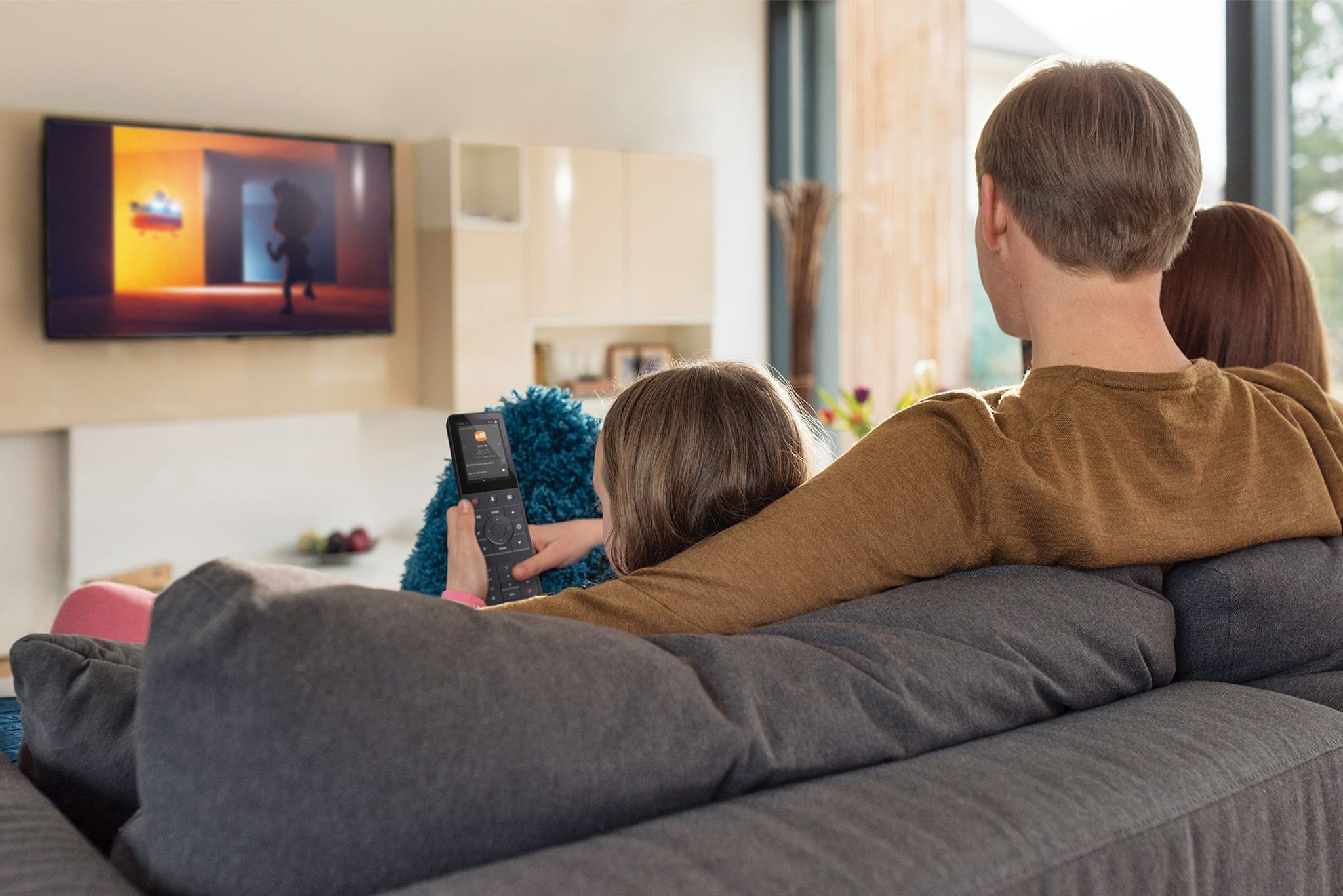
The whole point is effortless control: a phone app, in-wall keypads or touchscreens, and voice. The best systems also tie into the broader smart home, so "good morning" can bring up the kitchen music with the lights, and a single button by the door turns everything off as you leave.
Getting it right
- Plan zones around how you actually live, not room-by-room by default — a great-room and kitchen are often one zone.
- Wire for more than you'll install today; pulling cable is the costly step.
- Match speaker quality to the room's purpose: reference speakers in the listening room, tasteful in-ceilings for ambient zones.
- Insist on one app and one ecosystem so the family will actually use it.
Frequently asked
Can I play different music in different rooms?+
Yes — that's the core of whole-home audio. Each zone can play its own source at its own volume, or you can group zones so the same song plays in perfect sync across the house. Control is from a single app, keypad, or voice.
Do I need to run wires for multi-room audio?+
Not always, but it's better when you can. Networked/streaming systems use your existing WiFi and can be added room by room. For the cleanest, most reliable result — especially in new construction — running speaker cable and network drops to each zone is worth it, since it's hard to add later.
Will it work with Spotify, Apple Music, and my turntable?+
A well-designed system treats all of those as sources you can send to any room. Streaming services connect directly, and physical sources like a turntable or the TV can be routed through the system too, all controlled from one app.